
If Buddy is found, the finder scans his permanent QR. Buddy's profile opens instantly in their browser — no app and no login required.
 FULL DEMO QR
Open Buddy's finder profile, identify him, contact his owner and test the optional scan-location step.
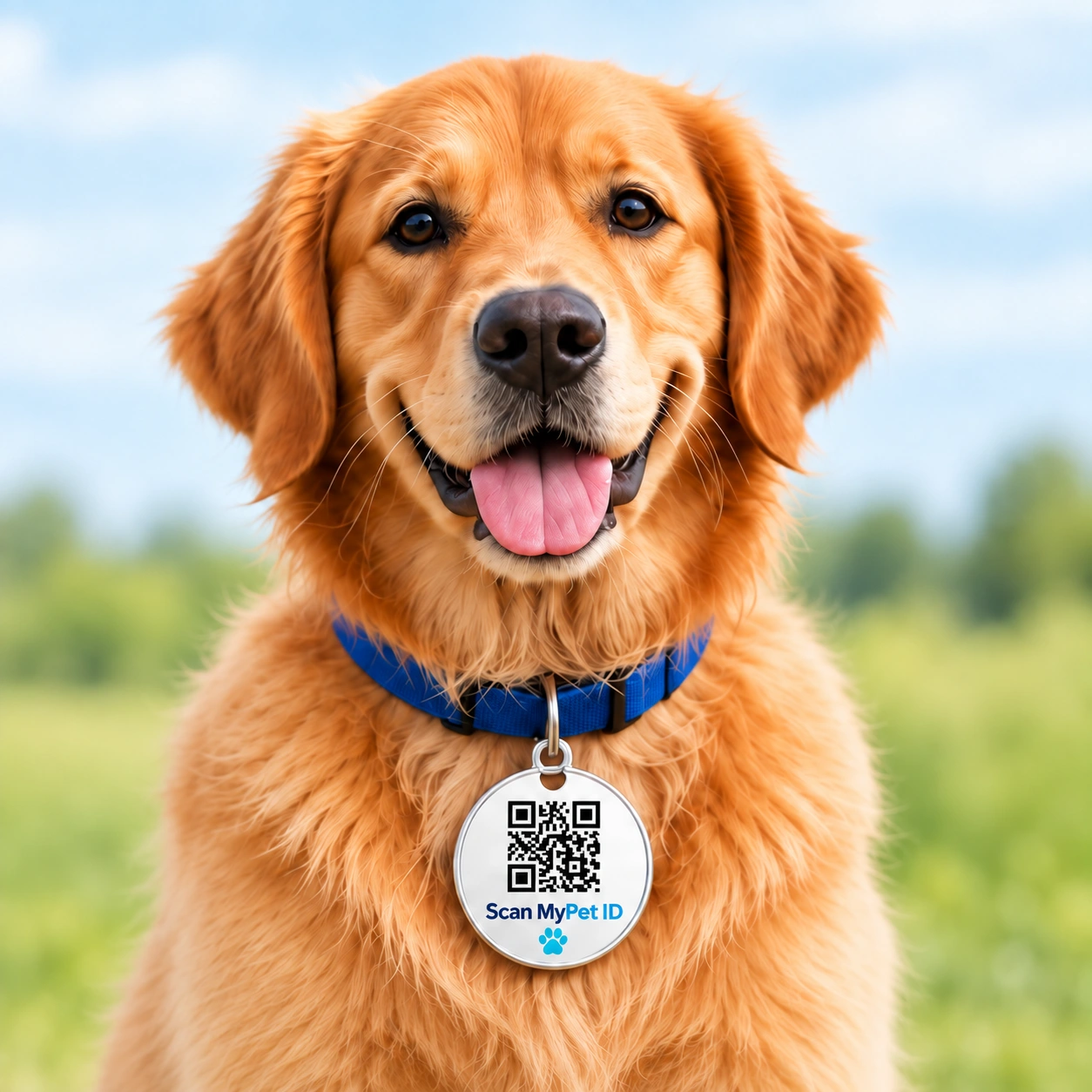
The finder scans the pet's permanent QR ID.
The individual pet profile opens immediately.
CALL OWNER and SMS OWNER are immediately available.
The finder can optionally share where the pet was found.
The owner can receive the scan alert and location.
Buddy wears a QR ID tag on his collar. Each pet has its own permanent ID, with details managed from one owner panel.
No. Scan the QR using a smartphone camera to open Buddy’s profile in a browser.
No. Call, SMS and location buttons demonstrate the steps without making calls, sending messages or collecting your location.
Each pet has its own ID. The service is designed for owners to manage those individual IDs from one panel.
INTERACTIVE DEMO
Demonstration profile — no real owner contact information is displayed.
I'm friendly and I may be lost.
Please help me get home.